
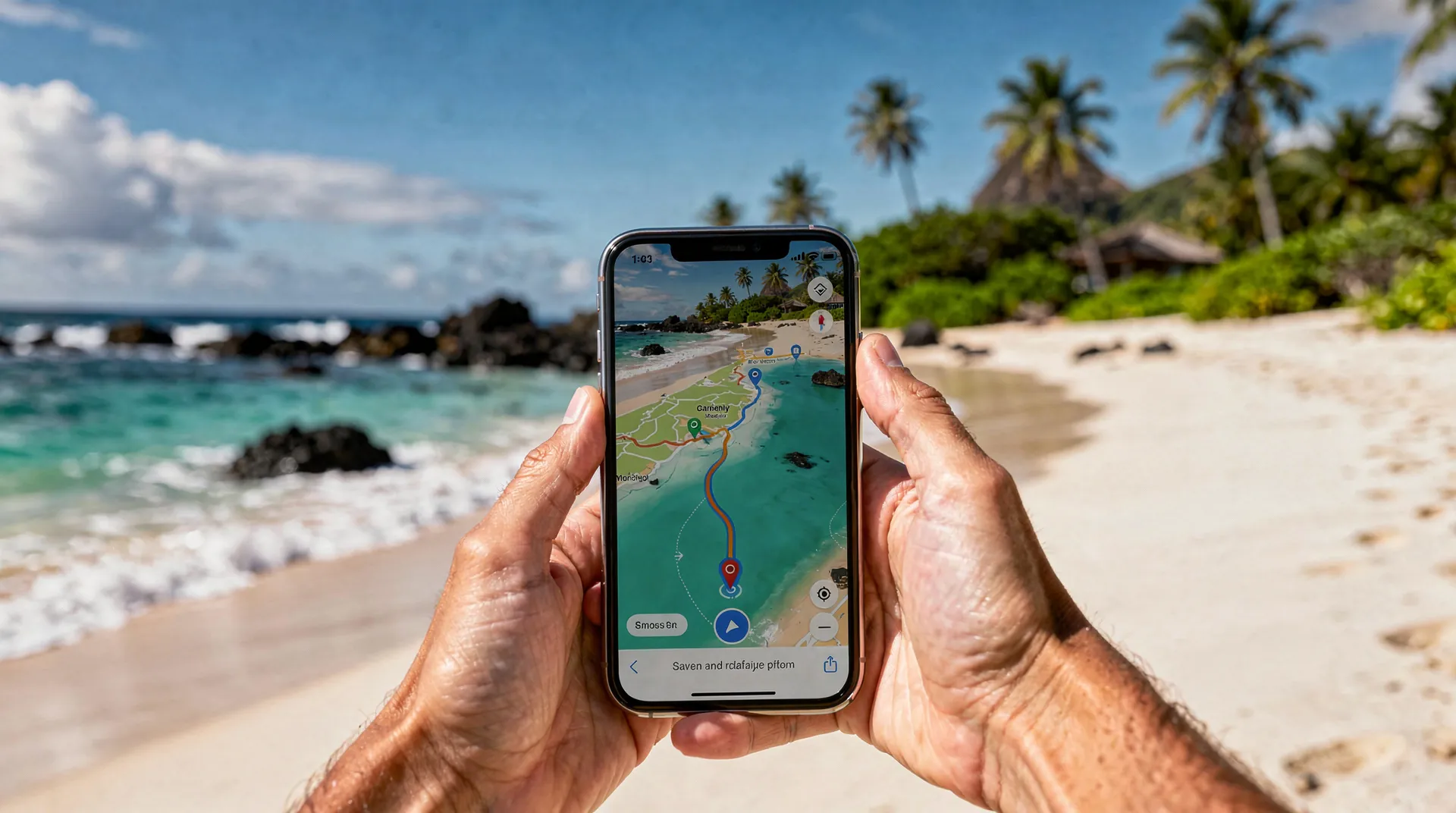
The 10 essential apps for travelling to Mauritius
Updated: November 2024
Your smartphone, the best guide to Mauritius
In 2026, travelling to Mauritius without a well-equipped smartphone means missing out on a number of tools that can transform your trip. This isn’t about recommending you stare at your screen instead of the lagoon — but having the right apps can save time, money, and help you avoid awkward situations.
Mauritius is a human-scale island — under 2,000 square kilometres — but the density of experiences and the geographic spread of its attractions make it a destination where digital organisation really makes a difference. Between Grand Baie in the north, Flic-en-Flac in the west, Belle Mare in the east and Blue Bay in the southeast, the distances are covered on roads that can be winding, where a reliable GPS is invaluable.
Here’s my selection of the 10 apps that are genuinely useful in Mauritius. All personally tested, all free or very low cost.
At a glance
| Where | On your smartphone, set up before departure |
| Price | Free to a few euros (local data separate, about €15 for 5GB) |
| Time needed | 30 to 45 minutes of prep at home, on your usual wifi |
| How to go about it | Download offline maps, translation packs and apps before boarding |
| Best time | Any time — do this systematically before every trip to Mauritius |
1. Maps.me (offline navigation)
The top priority. Download the map of Mauritius in offline mode before leaving home — once on the island, you’ll use it constantly.
Maps.me is based on OpenStreetMap data and covers Mauritius with good accuracy, including back roads and hiking trails. Unlike Google Maps, it works perfectly without an internet connection — essential when venturing into areas with poor network coverage, notably in the highlands around Curepipe or in the wild south towards Souillac.
The app lets you save favourites (your accommodation, restaurants you’ve noted, beach spots), calculate routes, and navigate on foot or by car.
Alternative: Google Maps offline. You can download the Mauritius area in Google Maps to use it without data. Coverage is sometimes slightly better in urban areas.
2. Waze (real-time traffic)
Despite its small size, Mauritius has genuine traffic jams at rush hour, especially around Port Louis and along the Quatre Bornes-Beau Bassin corridor. Waze, with its real-time community updates, can save you 20 to 30 minutes on certain routes.
Waze needs an internet connection (so a local SIM card is essential), but its data usage is moderate.
Watch out: in Mauritius, Waze sometimes suggests shortcuts along back roads that aren’t suitable for a standard rental car. Trust your judgement if the suggested route looks unlikely. This happens particularly in the Chamarel area and in the south of the island, where plantation roads are common and poorly maintained.
3. Windy (weather and wind)
Windy is the go-to weather app for water sports enthusiasts and travellers who plan activities around the weather. It shows highly detailed forecasts with animated maps of wind, rain and waves.
In Mauritius, Windy is particularly useful for:
- Planning a boat trip (swell and wind conditions)
- Anticipating tropical showers over the coming days
- Choosing the right moment for a hike (Le Morne Brabant shrouded in clouds is a shame)
- Assessing kitesurfing conditions if you’re staying around La Gaulette or Tamarin
Forecast accuracy over 3-5 days is good for Mauritius. Beyond that, the variable nature of tropical weather makes any forecast unreliable. Pair it with our Mauritius weather guide to understand the climate patterns by season and region.
4. Google Translate with offline translation
Even though French is widely spoken in Mauritius, there are situations where Mauritian Creole or Bhojpuri come into play — notably in markets, small eateries and rural areas. Google Translate with offline language packs downloaded in advance is handy in these moments.
Download before leaving: French, English, and if possible Creole (note: Mauritian Creole isn’t perfectly covered, but generic Creole can still help).
The “camera” feature that translates photographed text in real time (signs, menus) is particularly useful in local markets like those in Port Louis or Mahebourg, where labels are sometimes only in Creole or English.
5. XE Currency (exchange rates)
The simplest and most reliable currency conversion app. XE Currency shows real-time exchange rates (with a connection) or the last known value (offline).
Useful for:
- Quickly checking whether a price in Mauritian rupees is reasonable
- Working out your daily budget
- Comparing rates offered by exchange bureaus
At the time this article was last updated (2026), 1 euro is worth roughly 46-50 Mauritian rupees. Rates fluctuate slightly; check before you leave. Be wary of exchange bureaus offering a less favourable rate. To plan your overall budget, our Mauritius budget guide gives accurate estimates for all types of stay.
6. TripAdvisor (restaurant and activity reviews)
Yes, TripAdvisor is imperfect. Reviews can be biased, rankings questionable. But in practice, it’s still the most complete reference tool for restaurants, hotels and activities in Mauritius.
The key to using it well: filter for recent reviews (under 6 months old), read the negative reviews to spot recurring issues, and be wary of places with a suspiciously low number of reviews and perfect scores.
For Mauritius, TripAdvisor is especially useful for local restaurants off the standard tourist circuits — the best places are often well rated by travellers who stumbled onto them by chance. Combine it with recommendations from our Mauritius food guide for a reliable shortlist.
7. My.T or Emtel (local carriers)
If you buy a local SIM card (which I strongly recommend), download your carrier’s app. My.T (Orange Mauritius) and Emtel are the two main carriers.
The app lets you:
- Monitor your data usage
- Top up your credit online
- Activate extra data bundles if you’ve used up your allowance
Avoid the nasty surprise of running out of data in the middle of a road trip in the south because you forgot to keep an eye on your usage. In Mauritius, a prepaid SIM with 5GB of data costs around €15 — far cheaper than European roaming. If your phone is compatible, an eSIM for Mauritius saves you from swapping your physical SIM and can be activated before you even leave home.
8. Booking.com or Airbnb (last-minute bookings)
Even if you’ve planned most of your accommodation in advance, having the app on your phone is useful for last-minute adjustments. If your road trip takes an unplanned turn, or you decide to extend your stay in a particular area, booking apps let you find a room within minutes.
Tip: set up filters suited to Mauritius — “free cancellation” and “accommodation within X km of [place]” are the most useful for road trips. For a broad overview of accommodation in Mauritius, our guide to where to stay in Mauritius gives you the full picture of the best options by region.
High season (July-August, December-January) calls for booking ahead, but in low season last-minute availability is plentiful. Our guide to hotels in Mauritius compares the main chains and independent boutique hotels.
9. iNaturalist (identifying wildlife and plants)
This one I’d recommend for the nature-curious. iNaturalist is a community app that lets you identify the plants, insects and animals you photograph. Take a photo of an unfamiliar flower by the trail, a bird on a wire, a fish in the lagoon — the app offers an identification based on AI and a community of naturalists.
In Mauritius you’ll come across rare endemic species (the island has remarkable biodiversity despite its size): the Mauritius parakeet, the Mauritius olive white-eye (an endemic bird), various wild orchids, and brightly coloured Phelsuma geckos. iNaturalist turns an ordinary walk into a naturalist’s outing.
This app is especially useful on hikes through endemic forests, such as the Black River Gorges or the highlands. Our Mauritius hiking guide includes information on the species you might spot along different routes.
10. WhatsApp (local communication)
In Mauritius, WhatsApp is the absolute standard for communication. Restaurants take bookings over WhatsApp. Guesthouse owners coordinate arrivals over WhatsApp. Taxi drivers confirm rides over WhatsApp. Excursion operators send their briefings over WhatsApp.
If you don’t have WhatsApp, or your account is tied to your French number, make sure you can still use it with your local Mauritian SIM, or set up your account so you can communicate without issue.
In practice: when you book a catamaran excursion or a swim-with-dolphins outing, the meeting point and instructions will arrive via WhatsApp. If you don’t have the app set up, you risk missing important information.
Bonus: payment apps
Some Mauritian businesses accept payments via mobile apps (notably QR-code-based solutions). This remains a minority, but it’s growing. Cash in rupees is still king in markets and small eateries.
In 2026, major chains, supermarkets and most tourist restaurants accept European bank cards. But outside the main tourist areas — in inland villages, small local snack stalls, market vendors — cash is often the only option.
Activity-specific apps
For divers: Dive+ or Scuba Earth to explore dive sites before you arrive. Mauritius has many listed sites, notably around Flic-en-Flac and Blue Bay. Our snorkelling and diving guide to Mauritius usefully complements these apps with up-to-date local information.
For kitesurfers: iKitesurf (now Windguru or an equivalent) for wind forecasts specific to the spots. Essential for planning sessions from La Gaulette or Anse la Raie.
For photographers: PhotoPills or The Photographer’s Ephemeris to calculate sunrise and sunset times and plan the best light sessions.
One last piece of advice on phone use
Take the time to disconnect during your stay. The real luxury of Mauritius is sitting on a stunning beach with a book, a sunset and a local beer — not scrolling through Instagram. Use your phone as a tool, not a refuge.
Download these apps before you leave, set them up with the offline map of Mauritius, and then put your phone away long enough to enjoy the scenery. A well-planned itinerary — like our 7-day Mauritius itinerary — is best enjoyed with your head up towards the horizon rather than down at a screen.
Renting a car in Mauritius combined with offline GPS and Waze for traffic is the ideal formula for exploring the island at your own pace — with the freedom to improvise whenever the mood strikes.
Setting up your phone before you leave
Digital trip prep should happen before you board the plane. Here’s what we recommend doing at home, on your usual connection, before you find yourself hunting for wifi at the airport.
Priority offline downloads: the full map of Mauritius on Maps.Me or Google Maps (about 200MB), your booking documents (PDFs of hotel confirmations, flight tickets, excursions), digital travel guides if you use them. Also download playlists or podcasts for the flight — 11 hours of music or shows with no connection is a lot more bearable with something queued up.
Apps to test: check that Google Translate is properly set up for Mauritian Creole — the everyday language on the island, even though French is understood everywhere. Some menus, signs and local conversations are in Creole, and a few basic words really do help with local contacts.
Your WhatsApp number: if your WhatsApp account is tied to your French number, make sure you know how to use it with a foreign SIM card. Most restaurants, guesthouses and excursion operators communicate exclusively via WhatsApp in Mauritius.
Apps that are useless in Mauritius
A few apps that are popular in France are of little or no use in Mauritius:
Citymapper / RATP / Moovit: Mauritius’s public transport network isn’t mapped in these apps. For buses, go directly to the CNT (Central Transport Corporation) bus website or ask your accommodation.
Uber: Uber doesn’t operate in Mauritius. Alternatives are local taxis (negotiate the price up front), local ride-hailing apps like inDriver or yaxi, or private drivers recommended by your accommodation.
Deliveroo / UberEats: food delivery does exist in Mauritius (local Swiggy, etc.) but is not well developed outside the main towns. In tourist areas, most people go out to eat — and honestly, it’s much better that way.
Social media as a travel tool
Instagram and Facebook groups can be useful resources for discovering Mauritius beyond the standard tourist circuits.
The Instagram accounts of local Mauritian photographers show a side of the island that travel agencies don’t always highlight: markets at dawn, religious ceremonies, coastal landscapes in the off-season. Follow a few Mauritian photographers before you leave to set realistic expectations.
Facebook groups for travellers in Mauritius (particularly French-speaking ones) are active and useful for getting recent opinions on accommodation, restaurants or excursion operators. The information there is often fresher than in printed guides.
A practical recap
To sum up, here’s the list of apps we recommend having on your phone before heading to Mauritius:
Navigation and transport: Maps.Me (offline), Google Maps, Waze. Weather: your national weather service app or Weather Underground. Communication: WhatsApp (set up), Google Translate (Creole downloaded). Finance: your banking app, Revolut or Wise if you use them. Bookings: GetYourGuide for excursions, Booking or Airbnb if you haven’t finalised your accommodation yet.
For divers: Dive+ or Scuba Earth. For kitesurfers: Windguru. For photographers: PhotoPills.
And for everything else related to planning your trip — accommodation, budget, activities, itineraries — our Mauritius budget guide and our guide to accommodation in Mauritius cover the essentials. Have a great trip.
Mobile data: how much to budget and how to plan it
The question comes up constantly: how much data do you actually need for a trip to Mauritius? It depends on your usage, but a few benchmarks help avoid getting it wrong.
A traveller who uses Maps.Me offline, checks WhatsApp regularly, posts the occasional photo on social media and glances at Windy from time to time uses on average 300 to 500MB a day. A 5GB plan comfortably covers a 10 to 12 day stay for that profile. If you plan on streaming video or making regular video calls, double that estimate.
You have two options on arrival at SSR Airport: buy a local physical SIM card (My.T or Emtel, counters available past the checkpoints) or activate an eSIM before you even take off. Our Mauritius eSIM guide walks through the process step by step. If you’d rather go with a physical SIM card, keep your passport handy for the mandatory registration — a Mauritian formality worth knowing about, as covered in our guide to entry requirements for Mauritius.
Time difference and keeping your apps in sync
Mauritius is 3 hours ahead of France in winter (Central European Time) and 2 hours ahead in summer (Central European Summer Time). This modest gap makes using your smartphone abroad much easier — no major digital jet lag to manage, unlike more distant destinations. Our guide to the time difference in Mauritius explains how to adjust your notifications and call times with France without losing sleep over it.
Also remember to turn on automatic time updates on your phone as soon as you land — some booking apps (transfers, excursions) show incorrect time slots if your phone’s clock is still stuck on French time.
Health and safety: apps to have as a backup
Beyond pure logistics, a few digital habits related to health are worth setting up before you leave. Save your travel insurance’s phone number and address in your favourites, and keep a photo of your European health insurance card or your insurance policy in your gallery, accessible even offline. Our health guide to Mauritius lists useful pharmacies and clinics by region — information worth saving before setting off on a road trip far from the tourist areas.
For first-time travellers, our account of a first trip to Mauritius looks back at small organisational mistakes — several tied to insufficient digital preparation — that could have been avoided with this list of apps in hand.